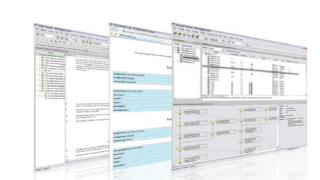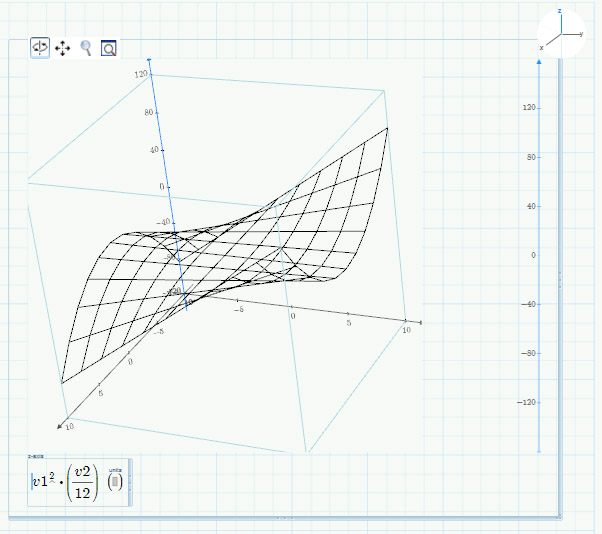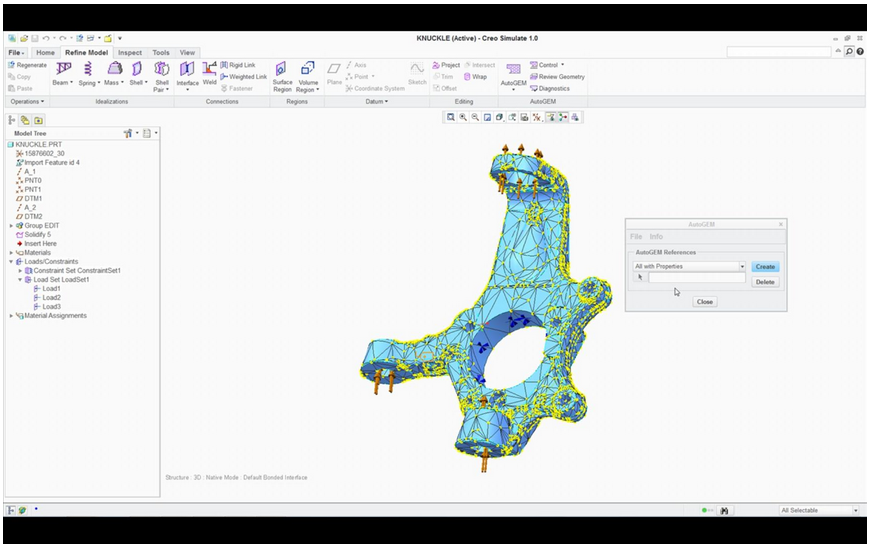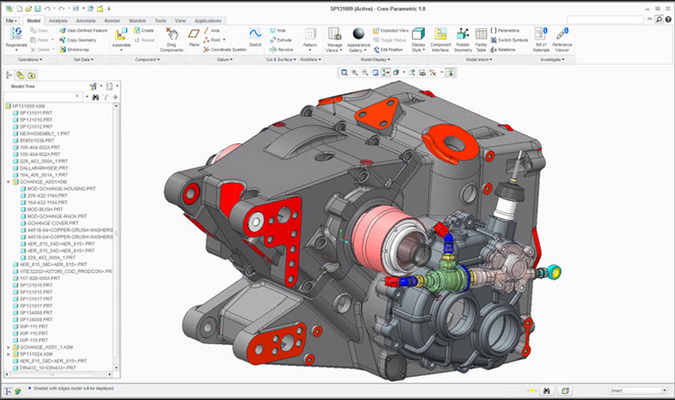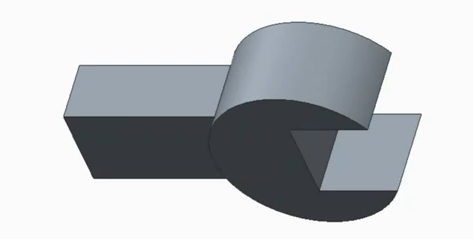
The improvements made in the latest release of Creo Direct now mean it is easier than ever before for designers and engineers to build and design better products. Read below to discover more about the 4 key enhancements made in Creo Direct 2.0, which are making it easier than ever before for engineers and designers to use a direct modelling approach.