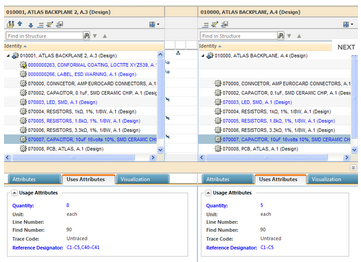
When considering how to get the most value from your PDM system, it can be helpful to review certain indicators of performance, such as:

When considering how to get the most value from your PDM system, it can be helpful to review certain indicators of performance, such as:
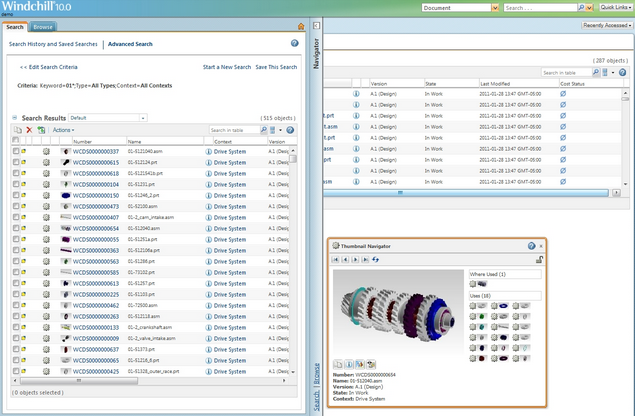
In today’s global business world, every company is looking for ways to increase productivity, increase market share, and decrease costs. One of the key ways to achieve this is to have an integrated, real-time overview of where the company’s resources are, where they are going, and where there might be problems.

To remain successful in a competitive marketplace, businesses need to drive future growth and increase profits. One way of doing this is through investing a proportion of business revenue into research and development (R&D) activities, which will help in the delivery of new, innovative products and solutions. But what percentage of revenue should be invested in R&D and how do businesses ensure that this investment will contribute towards generating profits?
Have you had the opportunity to explore the latest release of PTC Mathcad? If not, now is your chance. In the upcoming Mathcad Prime 3.0 demo webinars, you’ll be able to get under the hood and see how Mathcad Prime 3.0 really works.
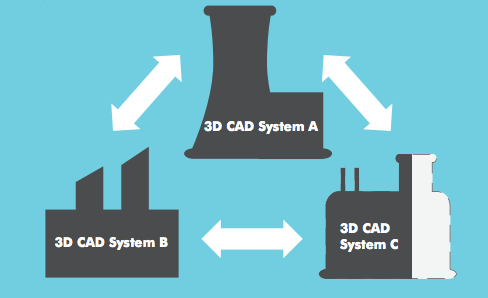
For modern companies, working with multiple CAD tools is a reality. In a recent PTC survey, it was revealed that companies are using an average of 2.7 different CAD systems internally. There are several reasons that companies might be using different CAD tools. For example, different departments might have different tools that they like to use. Or, it might be that a key customer is using a different system to you, so you also need adopt their CAD software.
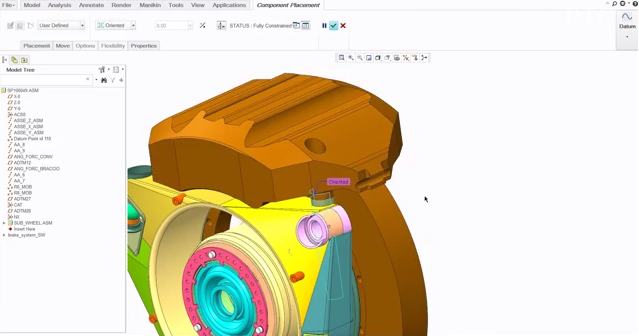
Working in multi-CAD environment can be a real challenge for engineering and designers. Discrepancies between different CAD tools can mean hours spent cleaning up data and ensuring that legacy data is fully integrated.
Heard about the latest release of Mathcad? But not had a chance to find out about the latest enhancements? Take this opportunity to see how Mathcad Prime 3.0 really works.
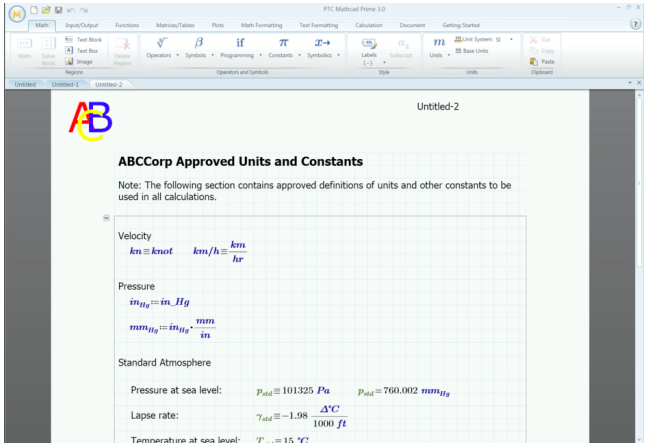
One of the exciting new features of Mathcad Prime 3.0 is Templates. This means that you no longer need to spend time formatting each and every worksheet to include the basic structure or formatting that you use as standard. With a template, you can pre-populate your worksheets with information, such as:
For anyone who wasn’t able to see the Mathcad Prime 3.0 Demo Webinar on 19th November, here is your chance to find out more about the latest release of Mathcad.
You may have been wondering how 3D CAD software Creo works with engineering calculations software Mathcad Prime 3.0. John Sheehan spoke on his blog earlier this year about how the two work together. In fact, he made it known to his readers that the integration between the two products has existed since 2006. To what extent are they integrated? Well, dimensions and parameters can be sent from Creo to Mathcad where it can be run through complex (or simple) calculations – the results of which can be returned to Creo and tied back to the dimensions and parameters.